

Step 1: Upload the license in Studio
In order to activate Studio.-
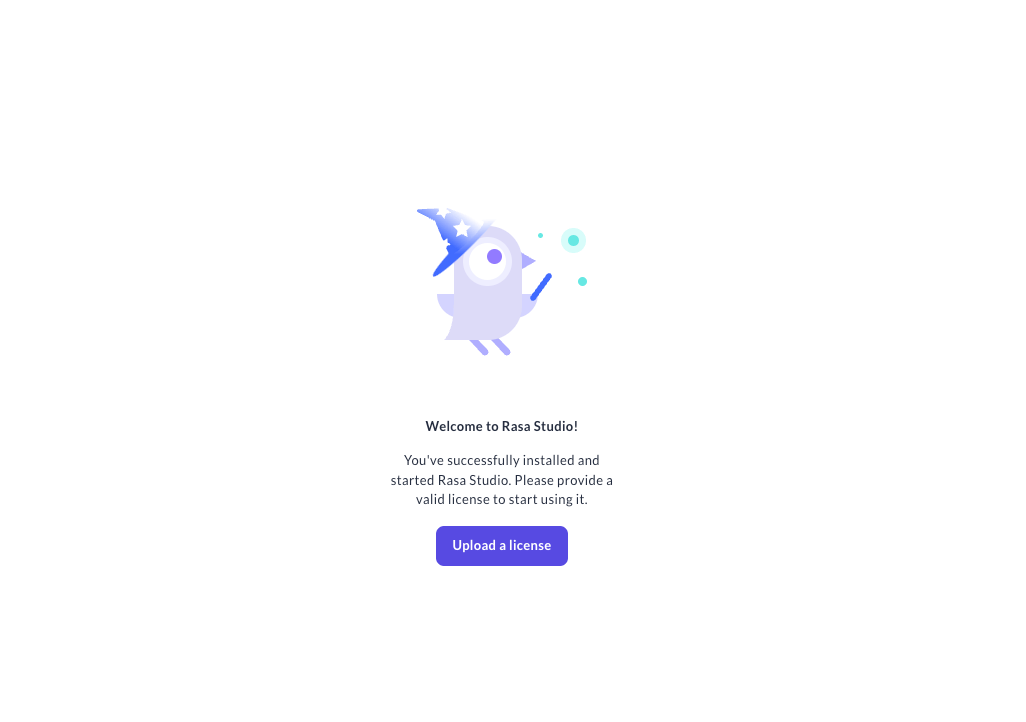
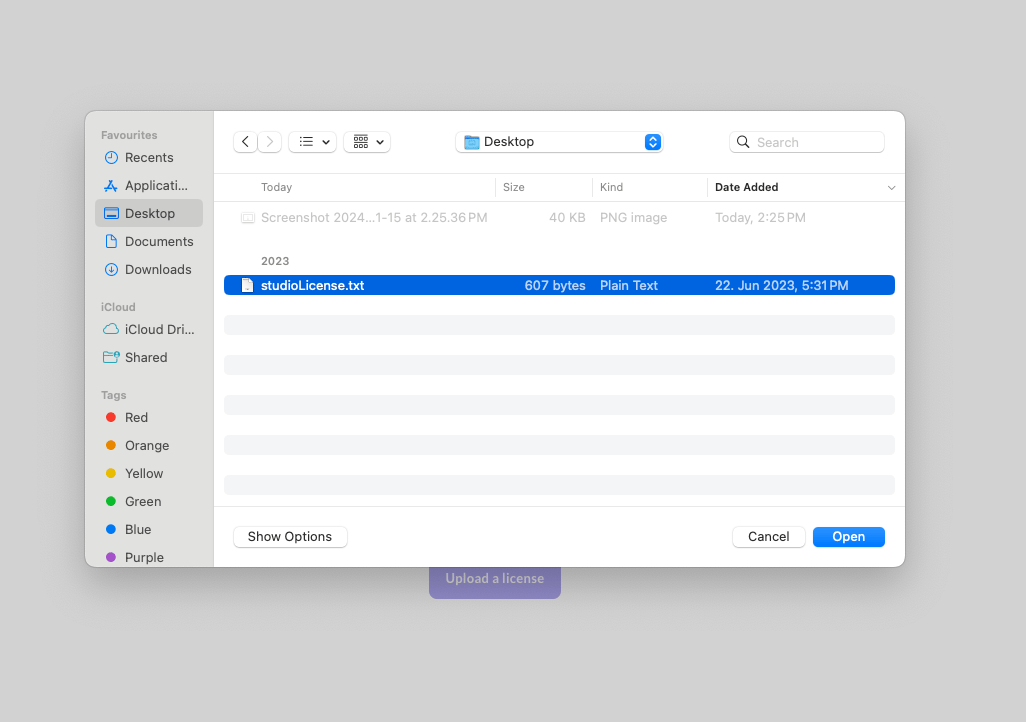
Navigate to Studio web client and you will be prompted to upload a license file
-
Hit the
Get Startedbutton after the license upload to start working with Studio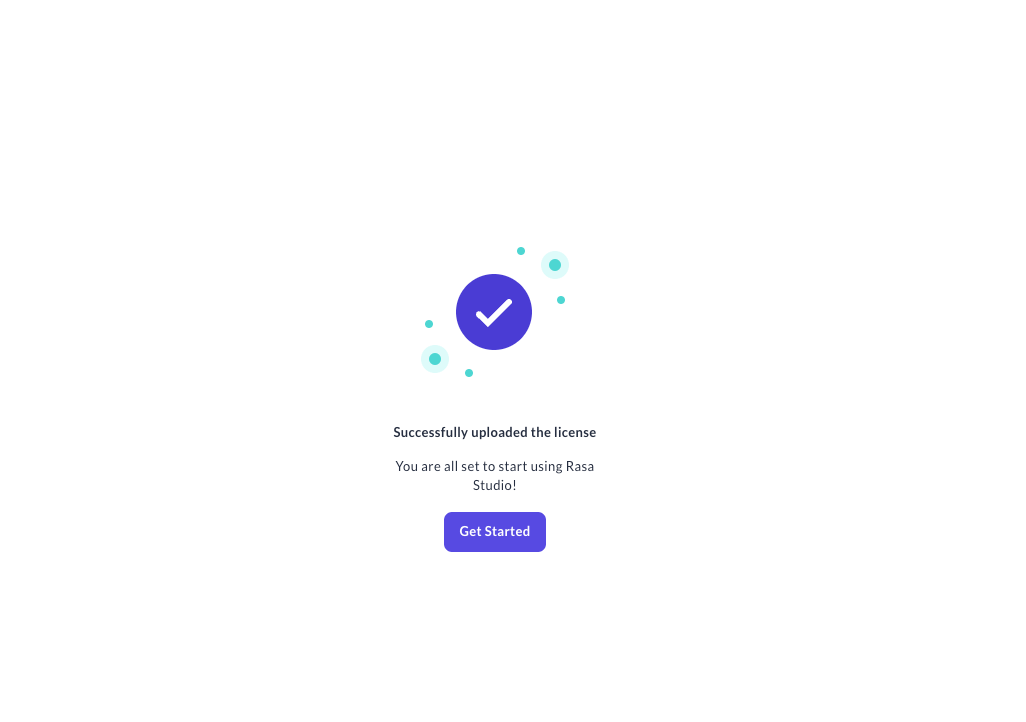
Guide on how to active your Rasa Studio license
Get Started button after the license upload to start working with Studio