Guides for Managing Users
Admins can manage users at any time by performing the following actions:Delete a User
- Go to
Usersand locate the user to delete. - Open the kebab menu (three dots) and select Delete.

- Confirm the deletion.
Update User Permissions
-
Select the user in the
Userslist. -
Go to the
Groupstab and update their group memberships.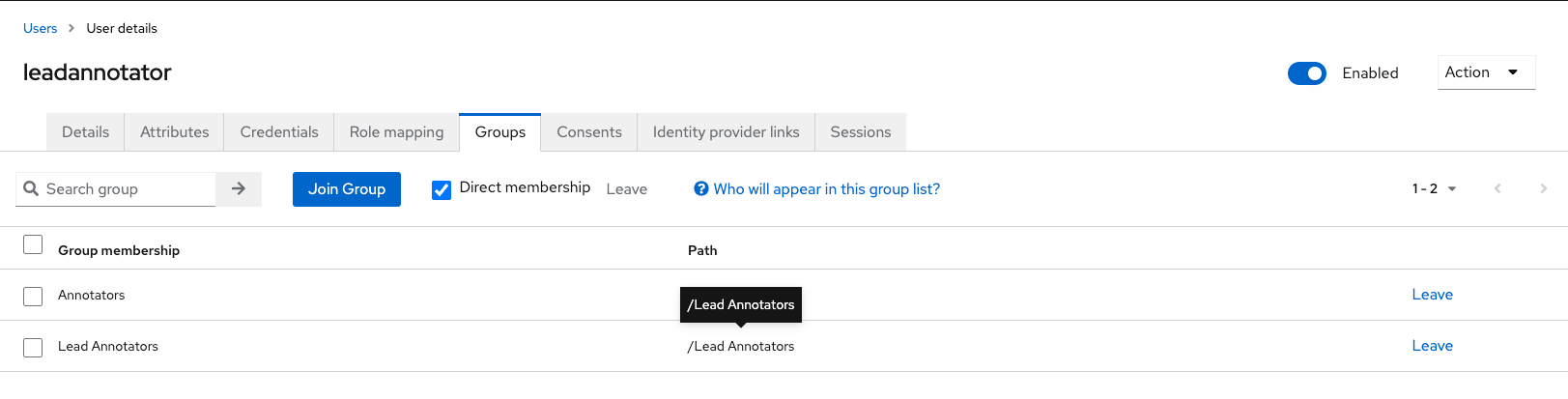
Log Out a User
-
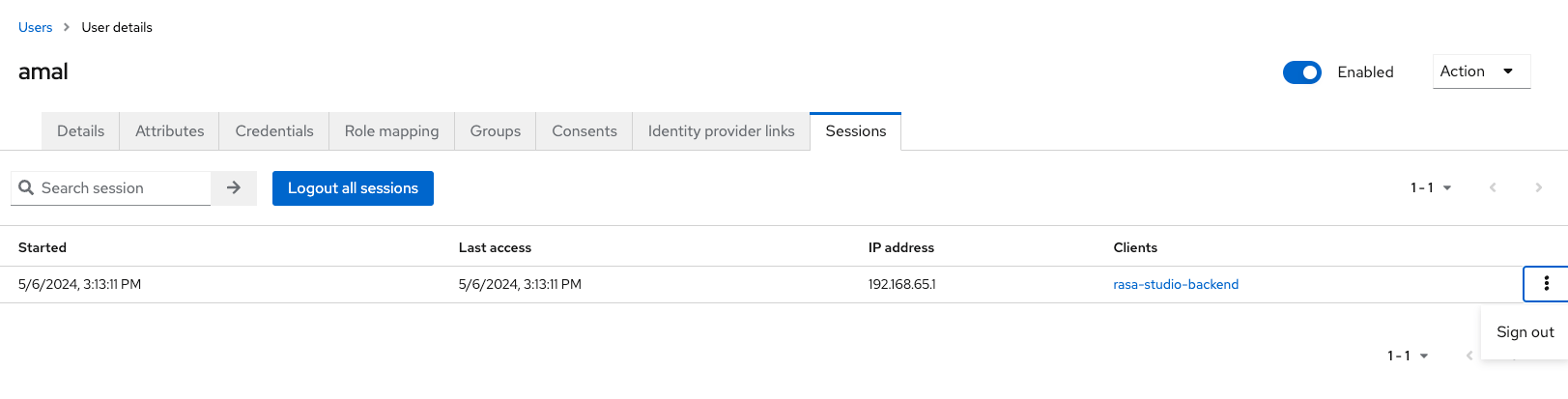
Navigate to the
Sessionstab for a selected user. -
Select Sign out from the session menu.
Optional: Configure Email Notifications
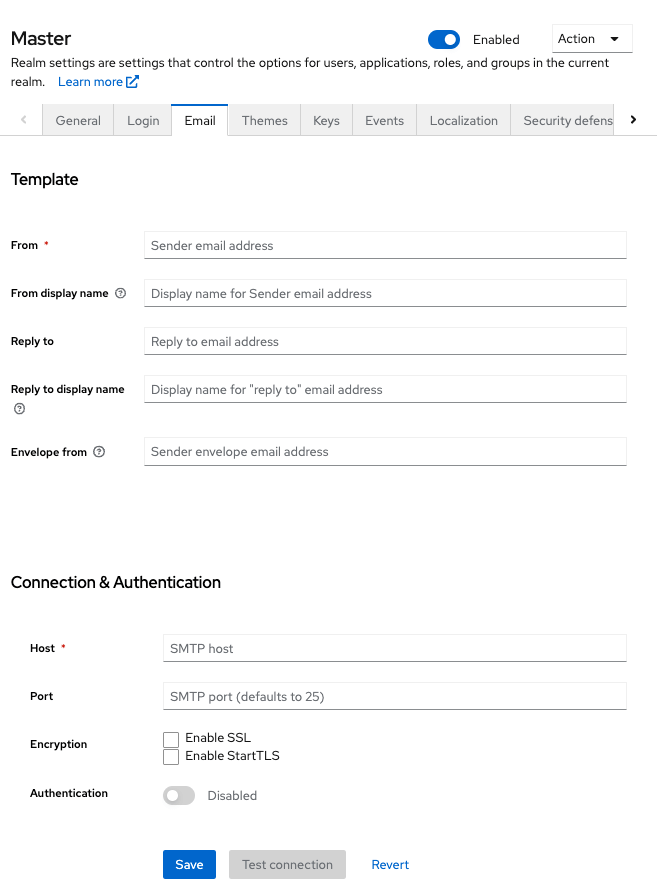
Keycloak can send emails for tasks like password resets and account verification. To enable email:-
Go to
Realm Settings>Email. -
Enter your SMTP server settings and save changes.