Get Started
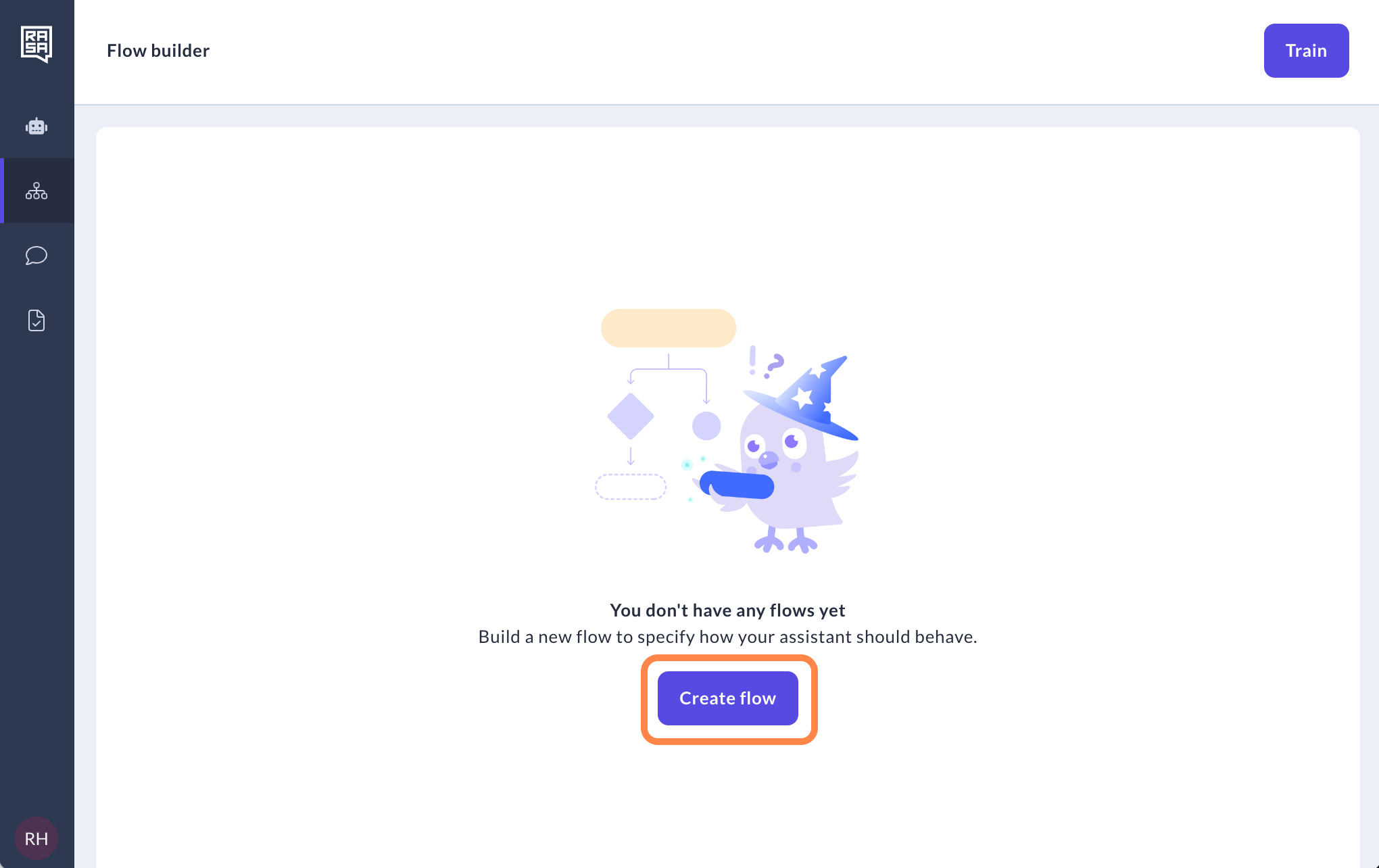
- Go to the Flow builder page
-
Hit the “Create flow” button.
-
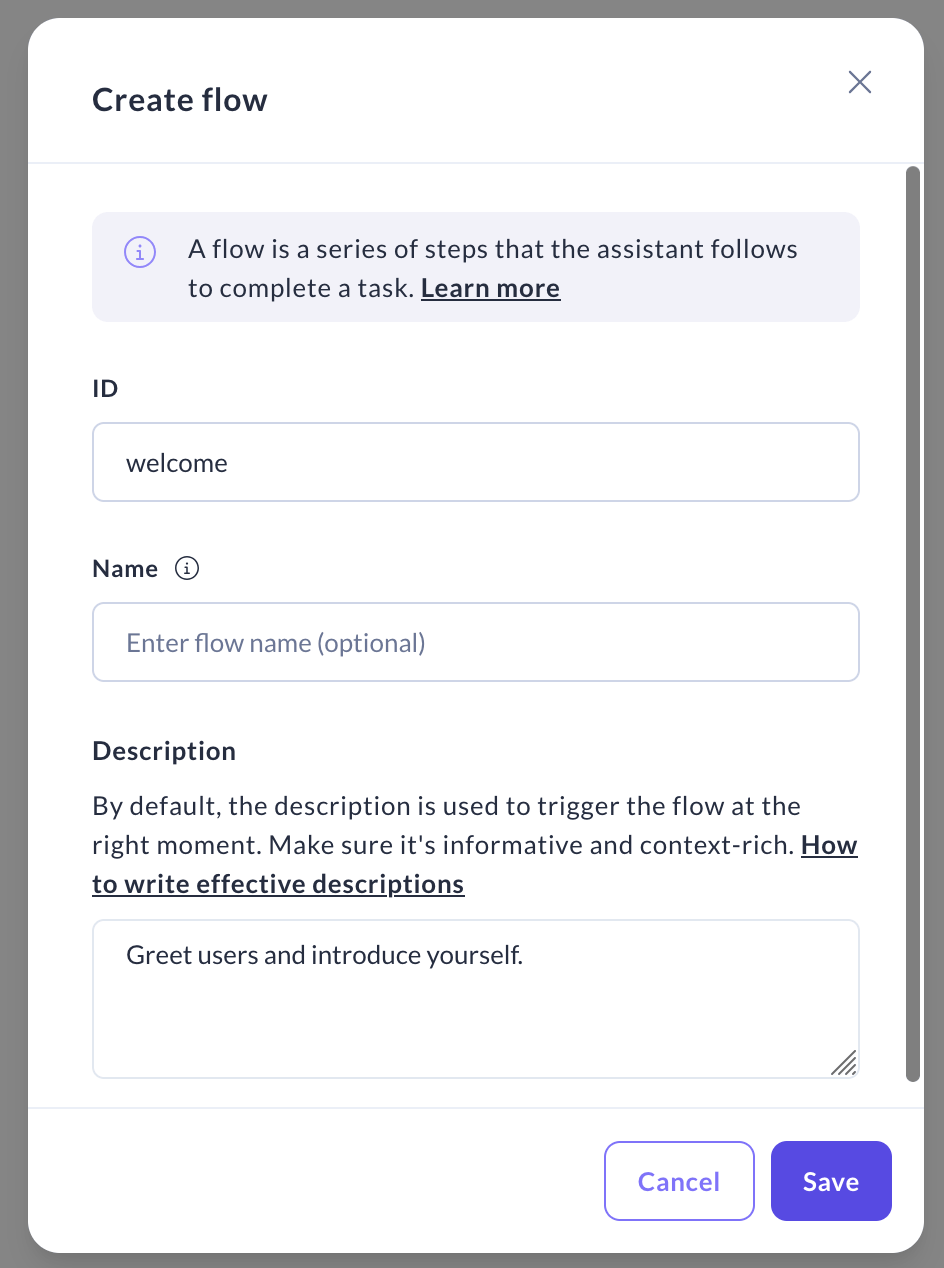
For your flow’s ID, avoid spaces, +, / or ! symbols. In the “Description” field, provide a detailed summary of the flow’s purpose.
This description is what will be used by LLM to decide when your flow should be triggered. Once you’re set, click “Save”.