- Query databases: Retrieve user information in real-time.
- Call APIs: Connect to external services for up-to-date data.
- Execute business logic: Process information and make decisions dynamically.
- Generate dynamic responses: Tailor interactions based on current data.
How it works
Custom actions are run during conversations—you can specify whether you’d like them to be called as part of a flow by including it as a step or based off of a set of conditions. Once triggered, the custom action runs your code, and returns values that you can use to influence the business logic of your conversation.Key components
Custom Actions in Rasa have two key methods:- Action name
name: A unique identifier that Rasa uses to trigger the action. - Run method
run: The custom logic that you want the action to run
Input and output of actions
Actions can reference parts of the conversation state and the responses can be stored as values in the assistant’s memory (as slots) or directly sent to the user as a message. In an action you can:- Reference the conversation state: This is accessible through the tracker (ie. reading slot values or checking the latest message)
- Return events: Save values by returning events (ie. setting slots)
- Send messages: Send messages directly back to the user through the dispatcher (note: we recommend to leverage responses rather than using this method for better validation support)
Example
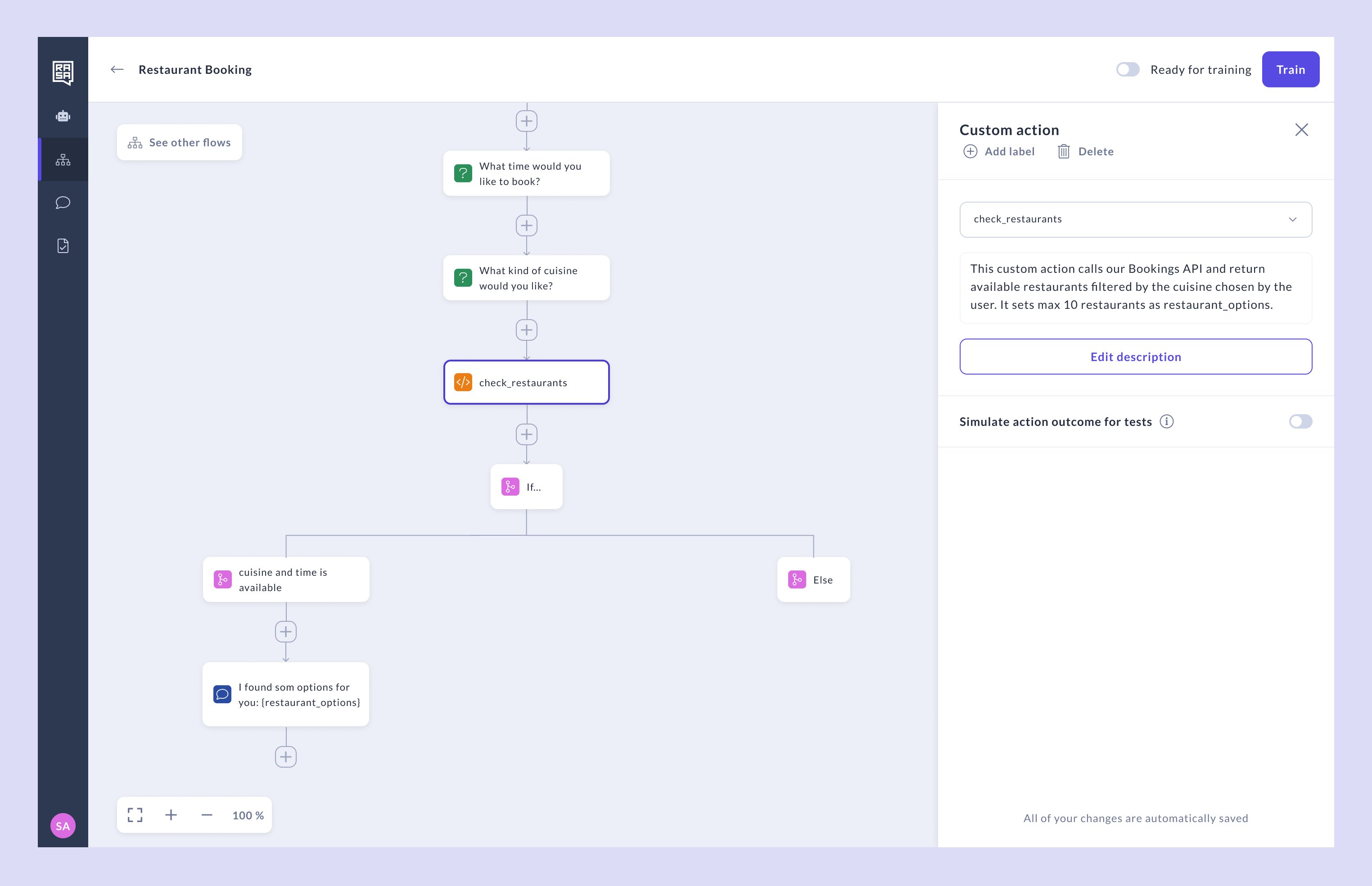
In this example, the assistant supports the user in booking a restaurant. It first asks for some details about the user’s preference and then uses that input to query an API for availability based on the user’s preferences. The custom action might look something like this:- Pro
- Studio
actions.py