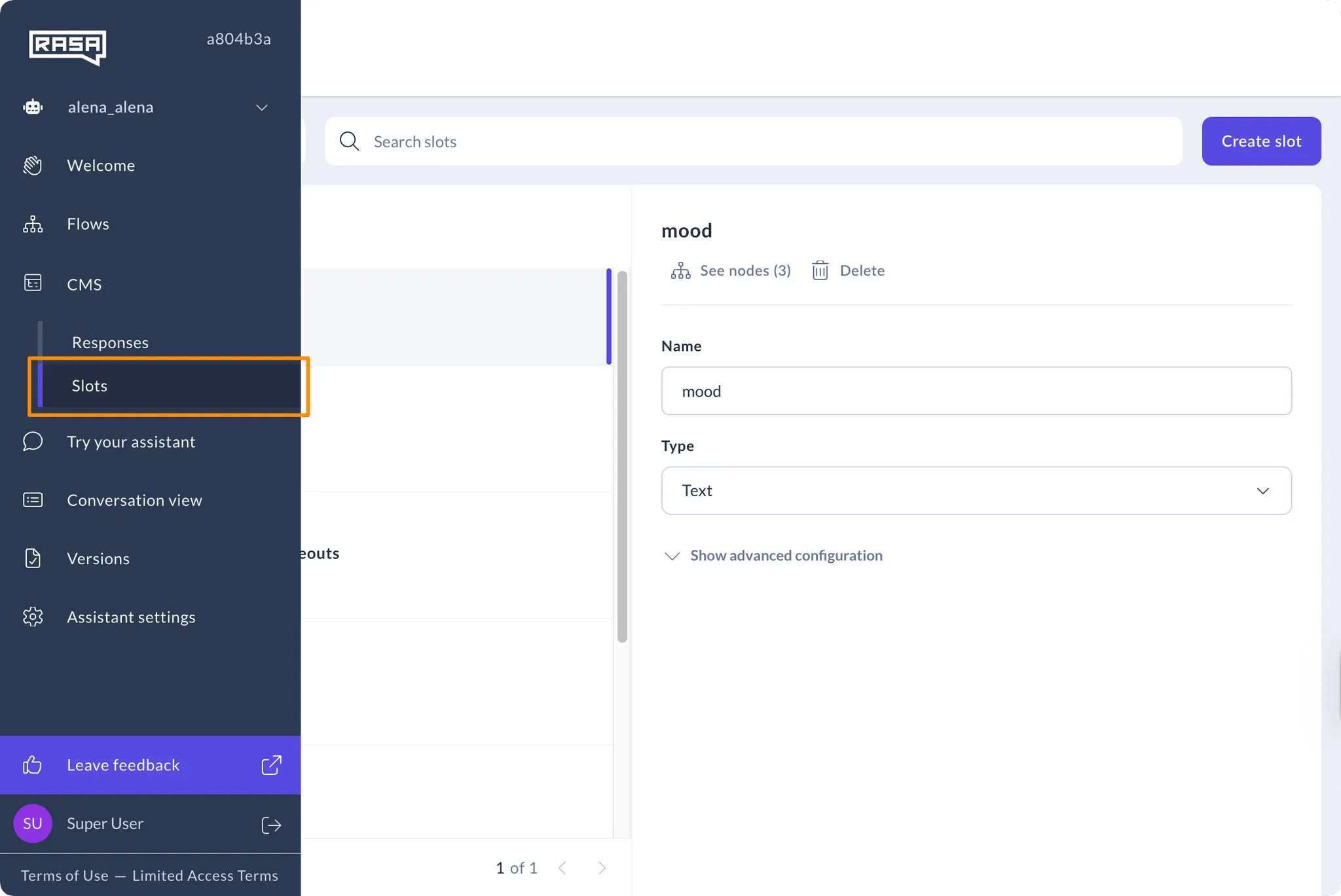
How to Create a Slot
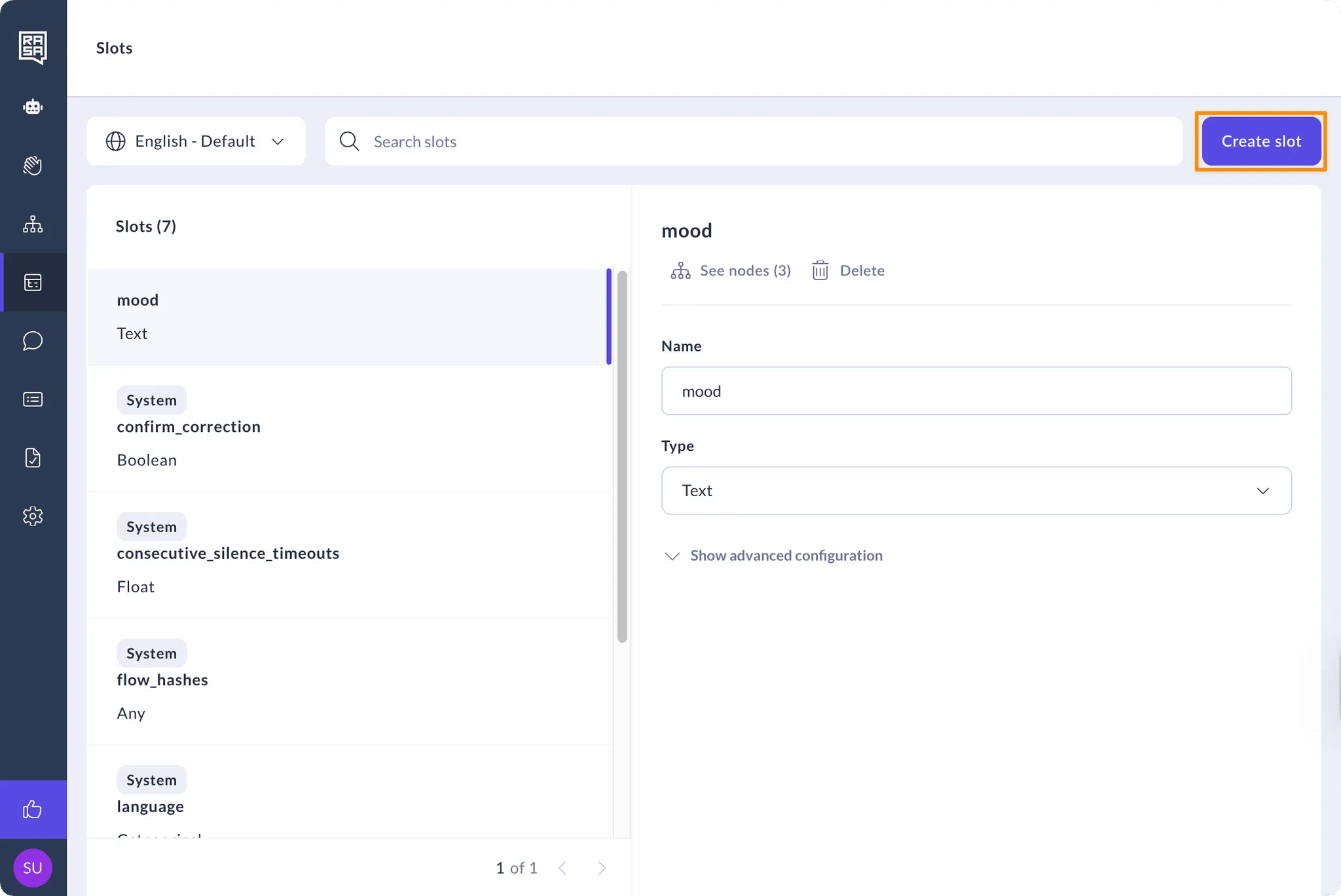
- Click on the “Create slot” button on the top right of the screen.
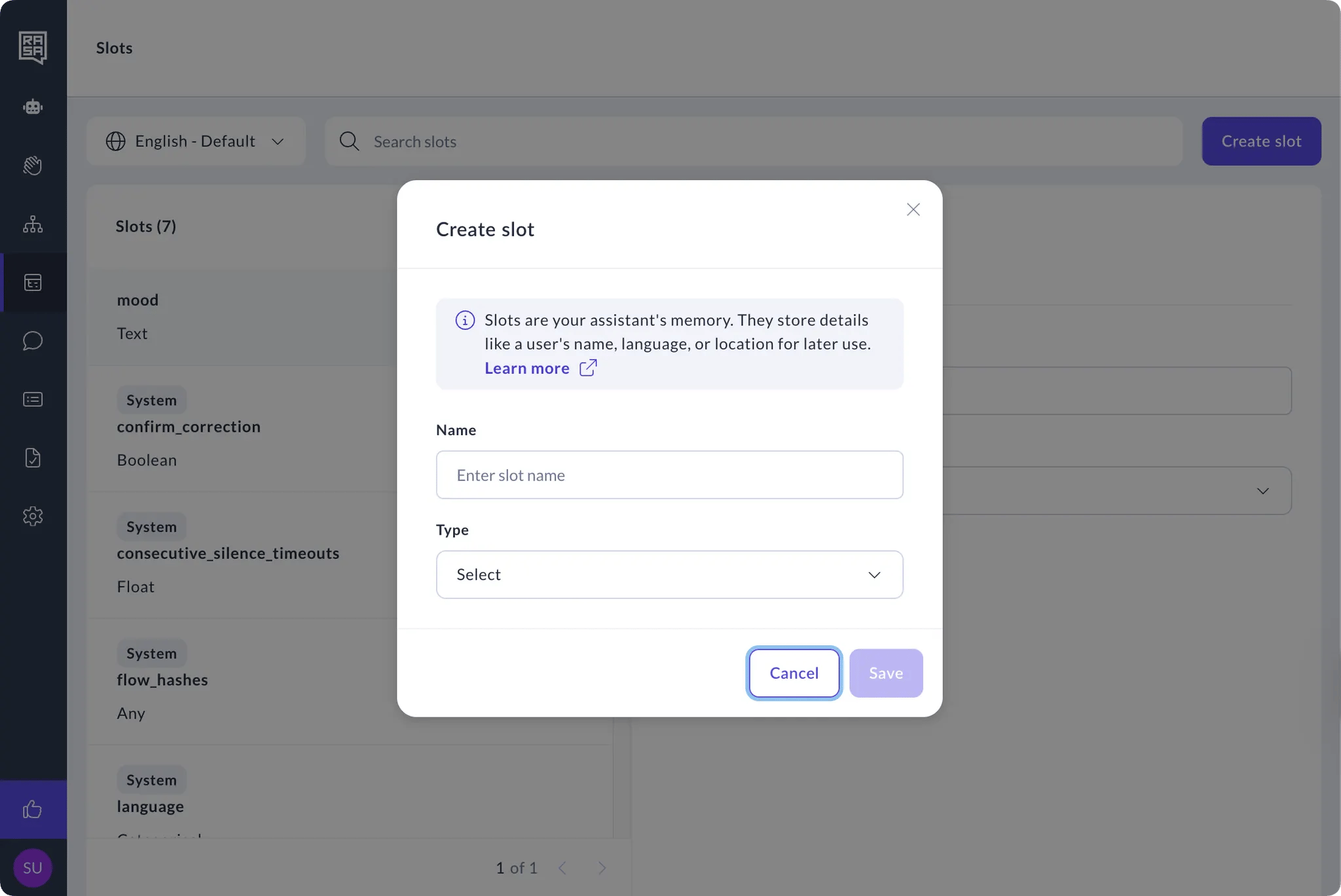
- Type in a name and select the slot type.
How to Manage Slots
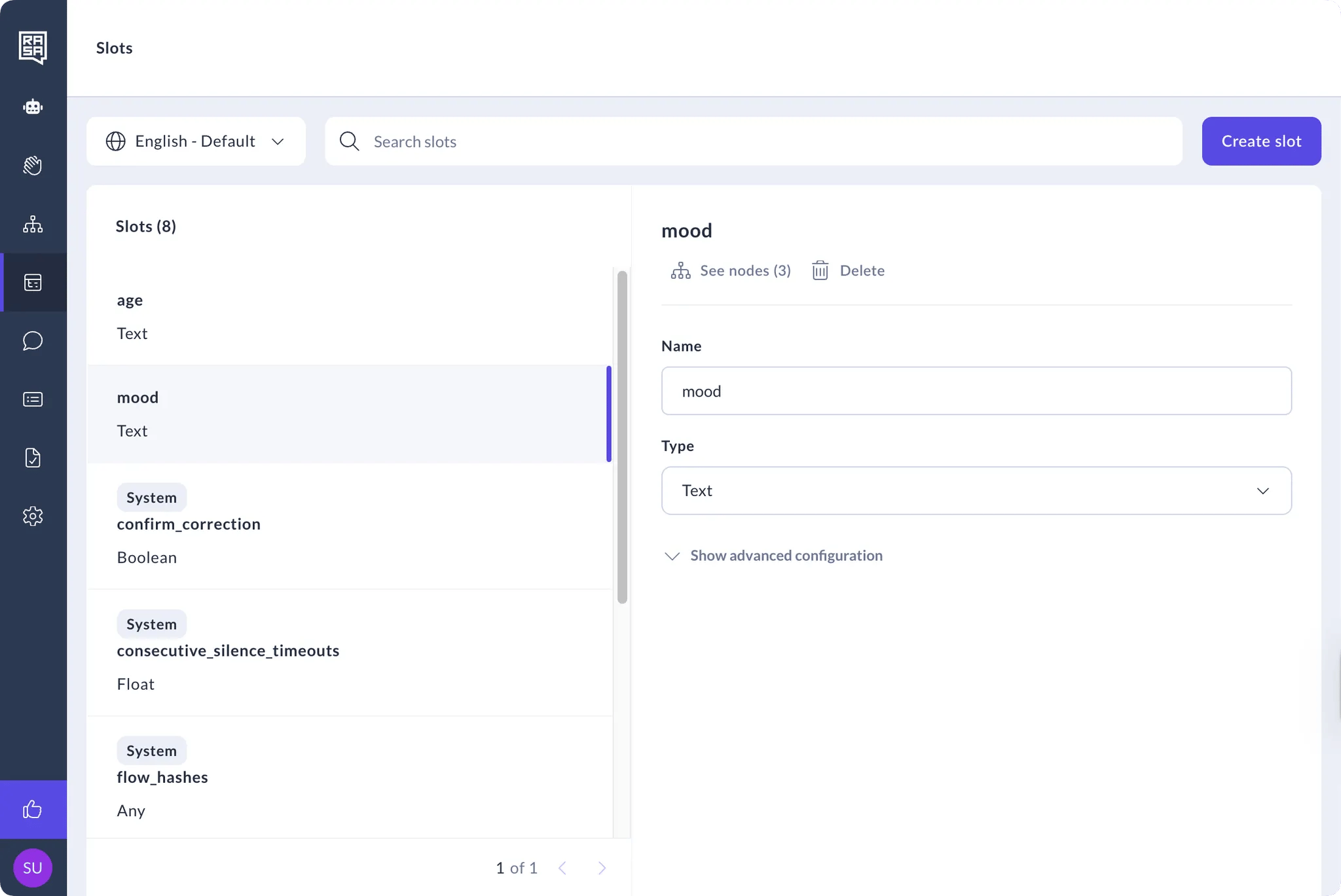
- Select the slot from the list.
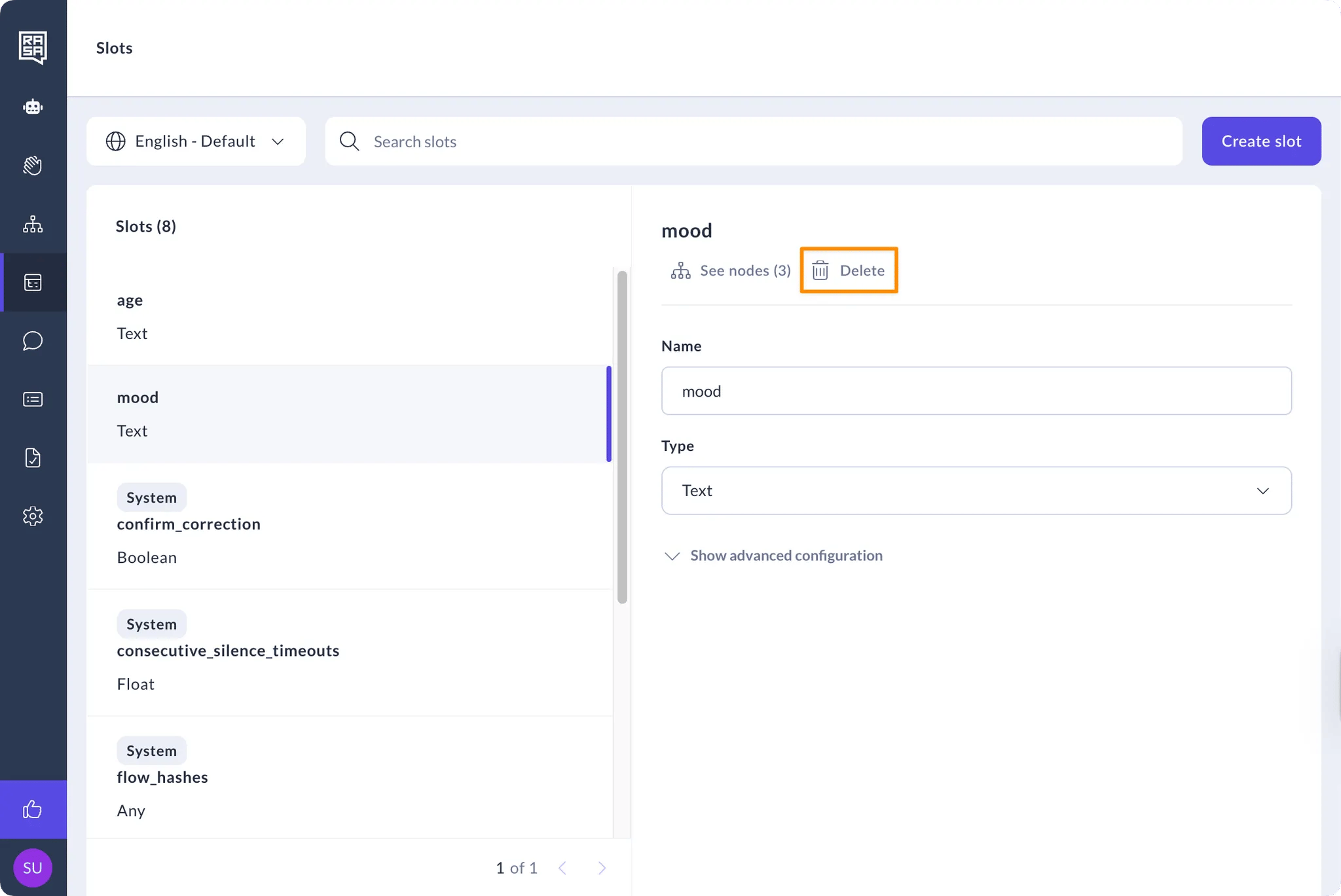
- Click the “Delete” button to delete the response from the assistant.
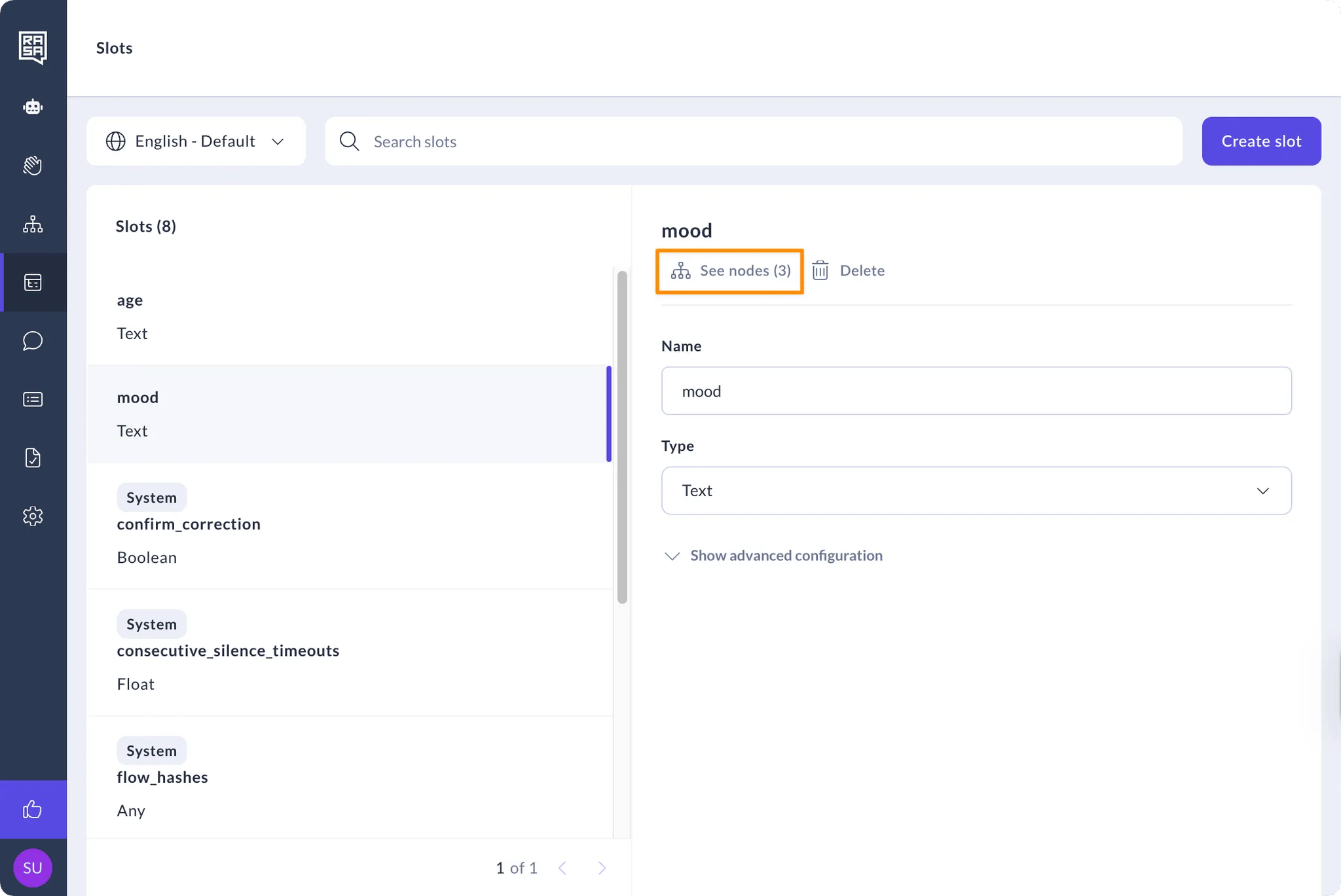
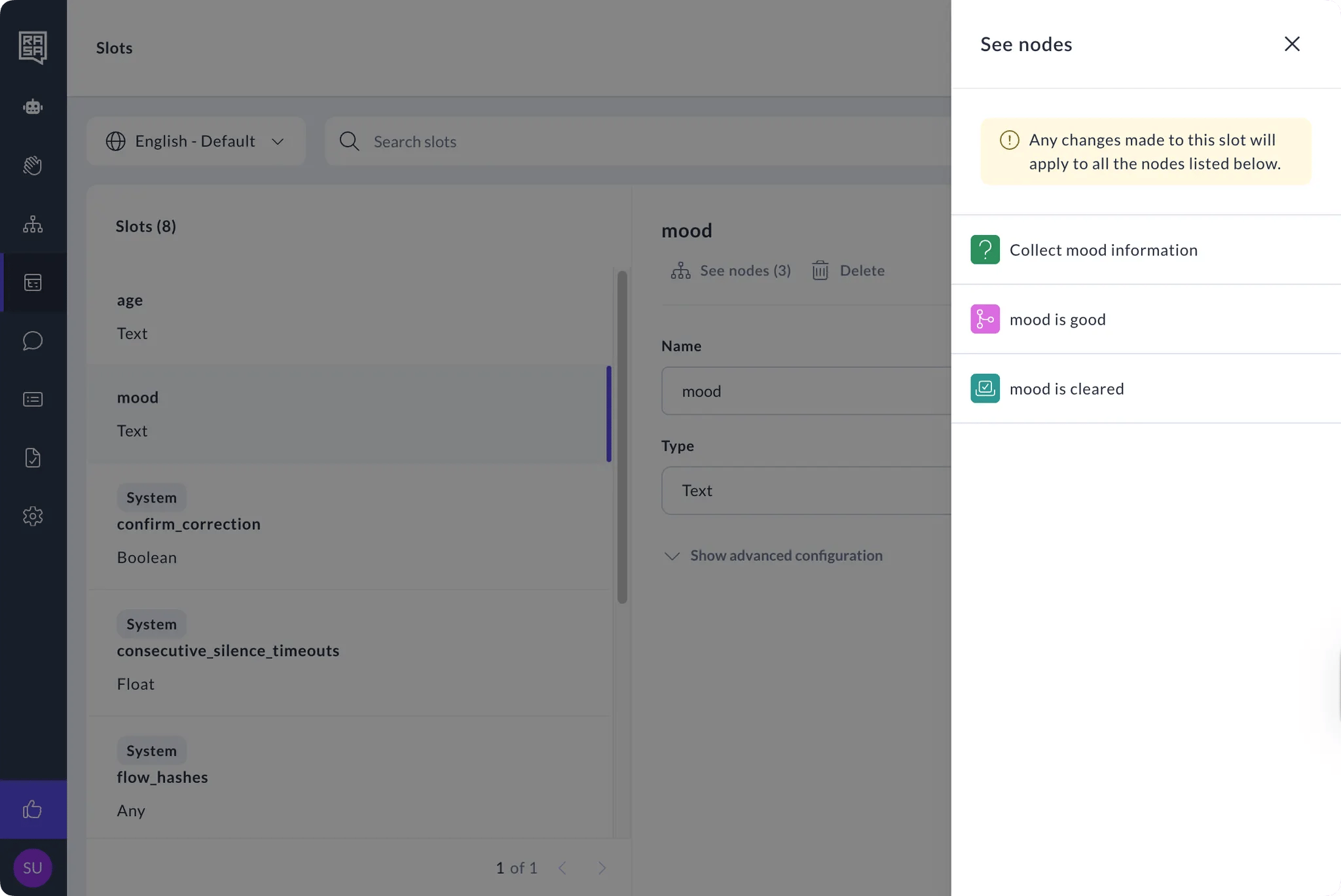
- Click the “See nodes” button under the response name to view all the nodes where the slot is being referenced.
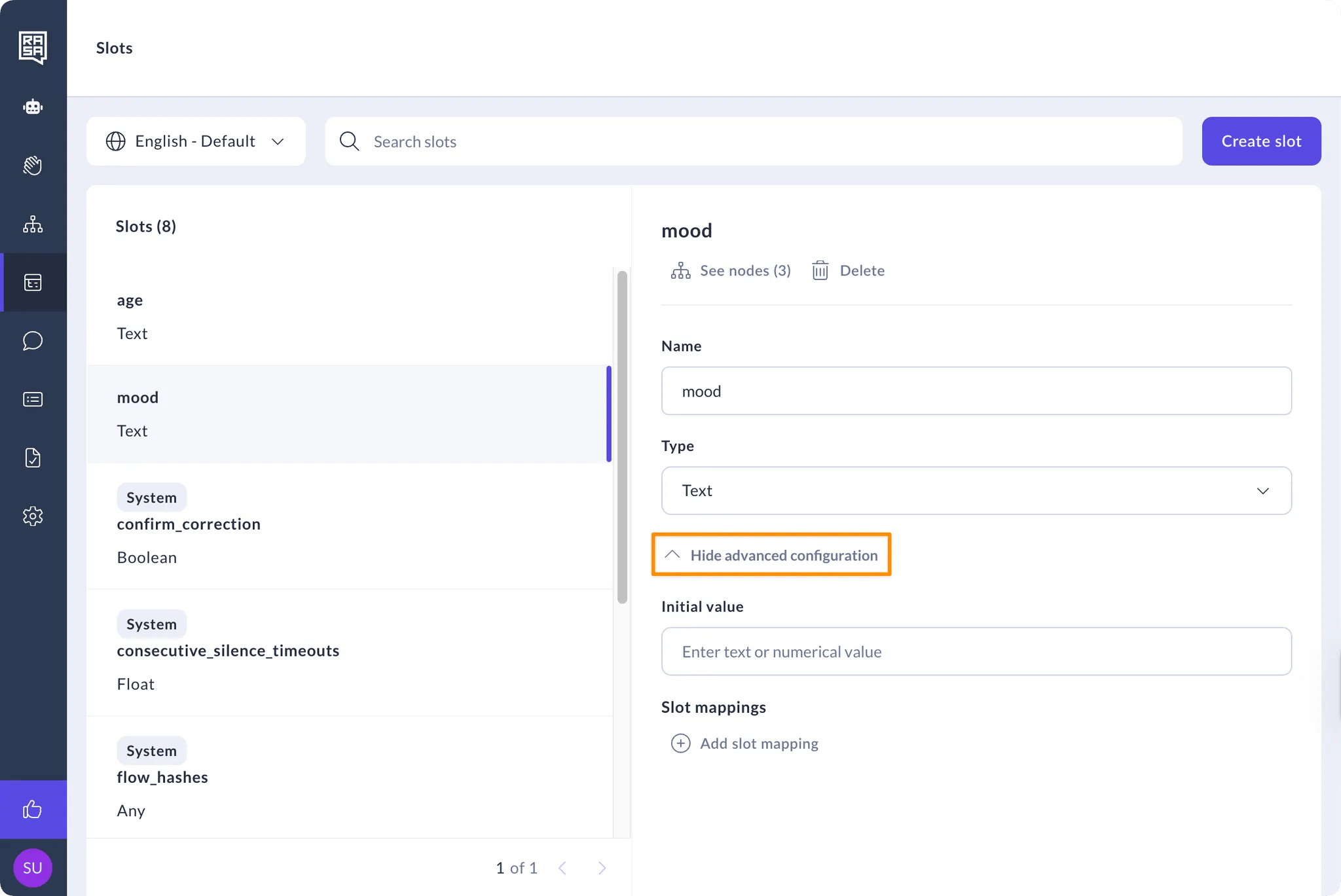
- Change any slot values or type using the fields on the page, or any other advanced slot configuration by clicking on the “Show advanced configuration” button