> ## Documentation Index
> Fetch the complete documentation index at: https://rasa.com/docs/llms.txt
> Use this file to discover all available pages before exploring further.
# How to Manage Studio Users
> How to manage user access to Studio
## Guides for Managing Users
Admins can manage users at any time by performing the following actions:
### Delete a User
Do not modify or delete the `realmadmin` user, as it is required for Studio to interact with Keycloak APIs.
1. Go to `Users` and locate the user to delete.
2. Open the kebab menu (three dots) and select **Delete**.
 3. Confirm the deletion.
### Update User Permissions
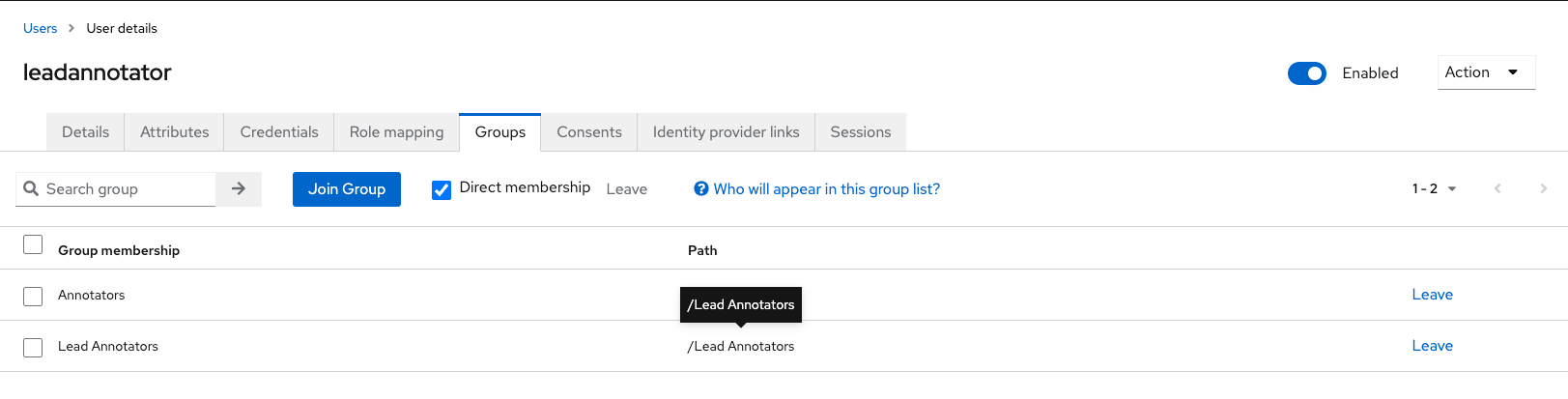
1. Select the user in the `Users` list.
2. Go to the `Groups` tab and update their group memberships.
3. Confirm the deletion.
### Update User Permissions
1. Select the user in the `Users` list.
2. Go to the `Groups` tab and update their group memberships.
 ### Log Out a User
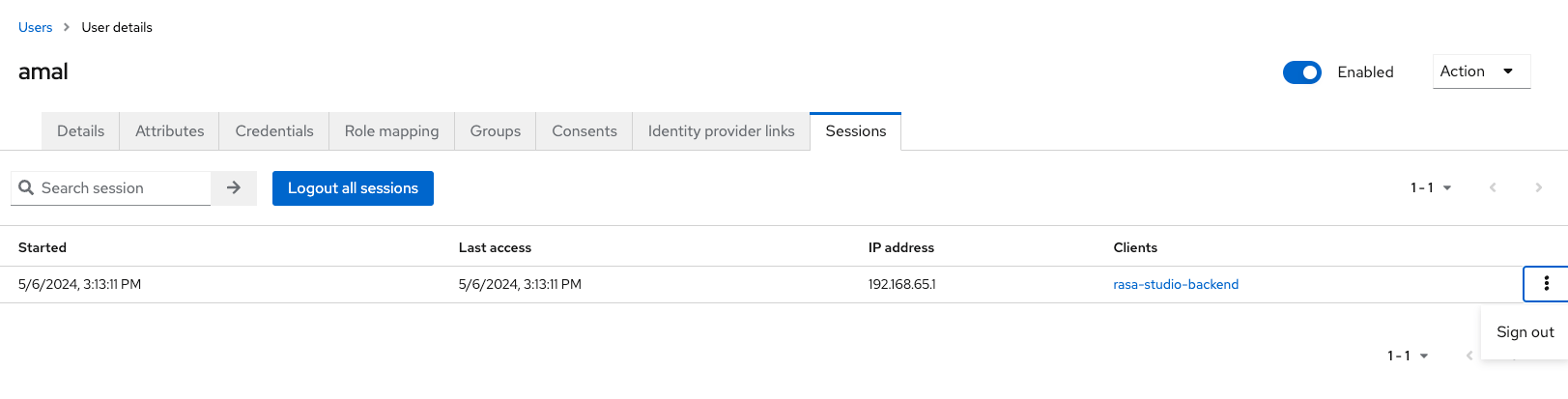
1. Navigate to the `Sessions` tab for a selected user.
2. Select **Sign out** from the session menu.
### Log Out a User
1. Navigate to the `Sessions` tab for a selected user.
2. Select **Sign out** from the session menu.
 ## Optional: Configure Email Notifications
Keycloak can send emails for tasks like password resets and account verification. To enable email:
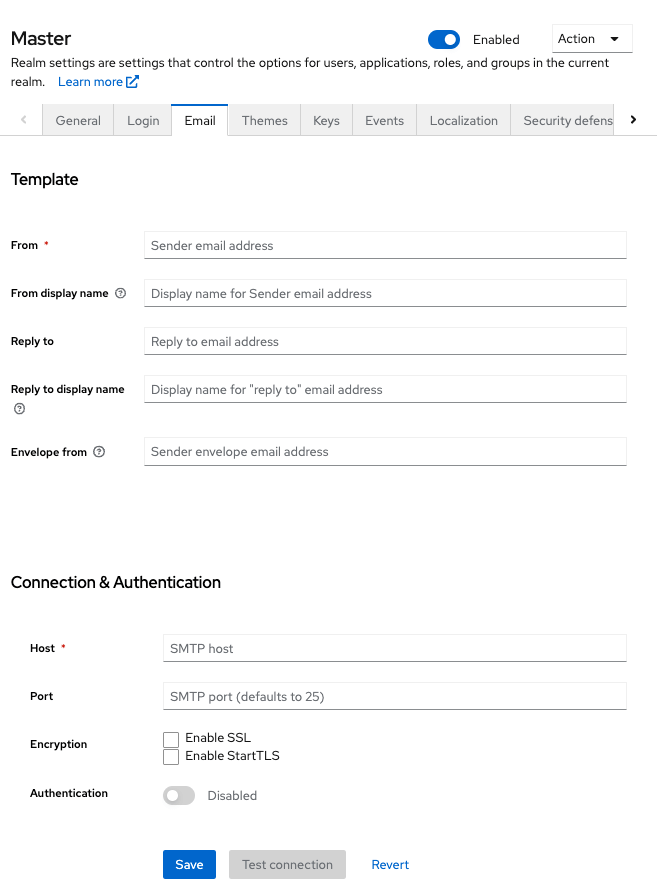
1. Go to `Realm Settings` > `Email`.
2. Enter your SMTP server settings and save changes.
## Optional: Configure Email Notifications
Keycloak can send emails for tasks like password resets and account verification. To enable email:
1. Go to `Realm Settings` > `Email`.
2. Enter your SMTP server settings and save changes.
 For detailed setup, refer to [Keycloak Email Configuration](https://www.keycloak.org/docs/latest/server_admin/#_email).
## Related topics
- [How to Manage Flows](/docs/studio/build/content-management/manage-flows.md)
- [Version Control in Studio](/docs/studio/build/content-management/version-control.md)
- [How to Use Intents and Entities](/docs/studio/build/content-management/nlu.md)
- [Users and Roles Setup Guide](/docs/studio/installation/setup-guides/authorization-guide.md)
- [How to Collect Information](/docs/studio/build/flow-building/collect.md)
For detailed setup, refer to [Keycloak Email Configuration](https://www.keycloak.org/docs/latest/server_admin/#_email).
## Related topics
- [How to Manage Flows](/docs/studio/build/content-management/manage-flows.md)
- [Version Control in Studio](/docs/studio/build/content-management/version-control.md)
- [How to Use Intents and Entities](/docs/studio/build/content-management/nlu.md)
- [Users and Roles Setup Guide](/docs/studio/installation/setup-guides/authorization-guide.md)
- [How to Collect Information](/docs/studio/build/flow-building/collect.md)