> ## Documentation Index
> Fetch the complete documentation index at: https://rasa.com/docs/llms.txt
> Use this file to discover all available pages before exploring further.
# License Activation
> Guide on how to active your Rasa Studio license
## Step 1: Upload the license in Studio
In order to activate Studio.
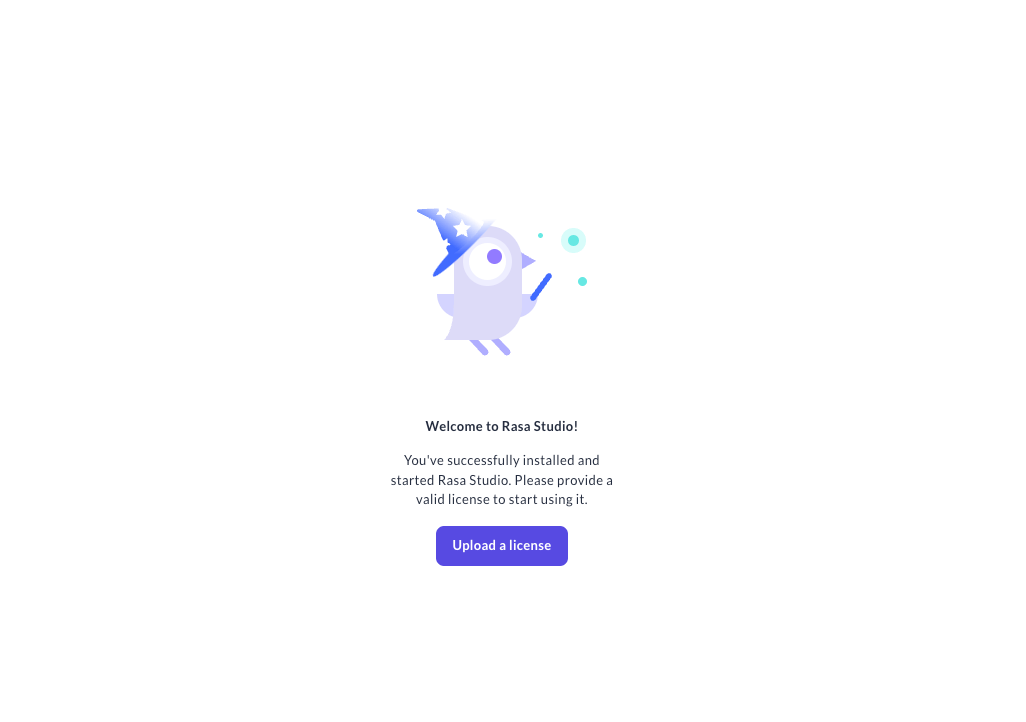
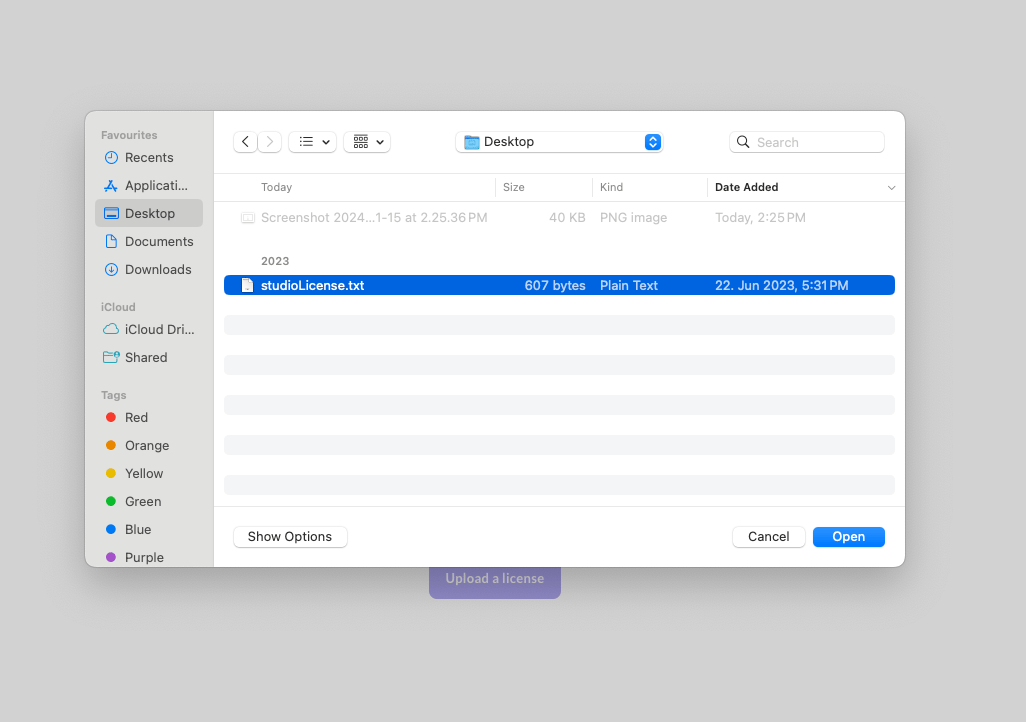
1. Navigate to Studio web client and you will be prompted to upload a license file
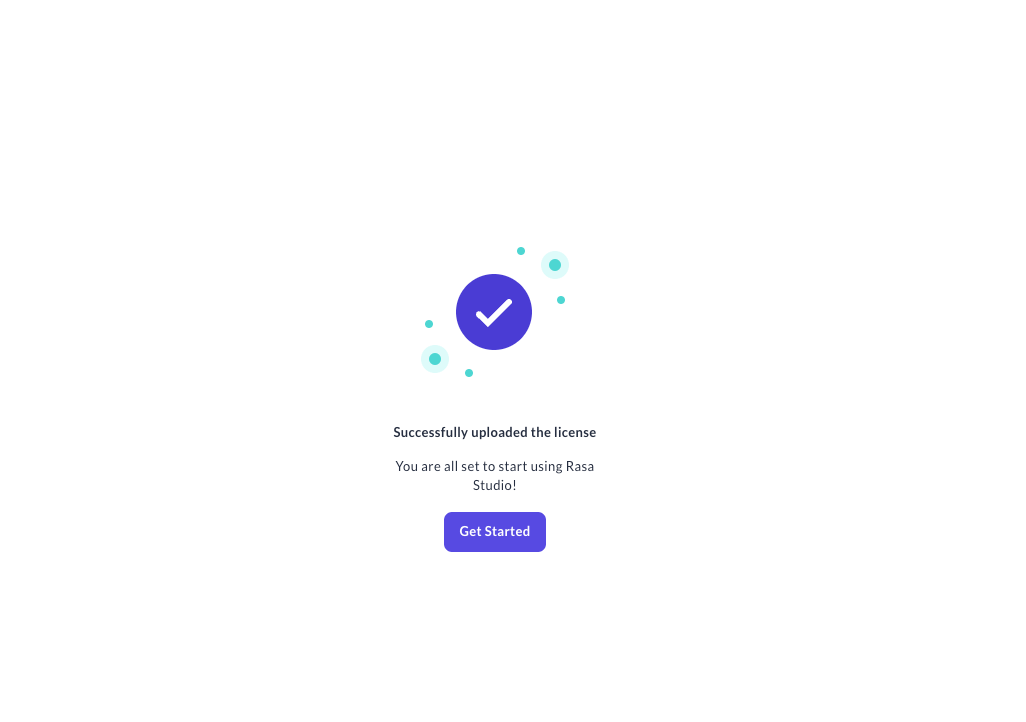
 2. Hit the `Get Started` button after the license upload to start working with Studio
 ## Related topics
- [Events in Rasa](/docs/reference/primitives/events.md)
- [Rasa Pro Change Log](/docs/reference/changelogs/rasa-pro-changelog.md)
- [Information about your Rasa Pro License](/docs/reference/api/pro/http-api/server-information/information-about-your-rasa-pro-license.md)
- [Command Line Interface](/docs/reference/api/command-line-interface.md)
- [Licensing](/docs/pro/installation/licensing.md)
## Related topics
- [Events in Rasa](/docs/reference/primitives/events.md)
- [Rasa Pro Change Log](/docs/reference/changelogs/rasa-pro-changelog.md)
- [Information about your Rasa Pro License](/docs/reference/api/pro/http-api/server-information/information-about-your-rasa-pro-license.md)
- [Command Line Interface](/docs/reference/api/command-line-interface.md)
- [Licensing](/docs/pro/installation/licensing.md)