> ## Documentation Index
> Fetch the complete documentation index at: https://rasa.com/docs/llms.txt
> Use this file to discover all available pages before exploring further.
# How to Set Slots
> Rasa Studio Flow Builder Set slots
This guide explains how to programmatically assign or clear slot values in your flows.
With the **Set Slots** step, you can streamline your conversation logic by managing slot (stored user data) values independently from direct user input.
### What is a Slot?
Think of slots as your assistant’s memory. They store important pieces of information from the conversation, like a user’s name, date, or location, and can be referenced throughout the flow.
## Overview
With the Set Slots step, you can:
1. **Assign a value:** Automatically update a slot value (e.g. set the 'age\_category' slot to 'Minor' based on the user's birth year).
2. **Clear a value:** Reset a slot value (e.g. clear the 'amount' slot if the user exceeds the allowed transaction limit to prompt re-entry)
3. **Persist a value:** Persist a slot value (e.g. persist the 'permission\_granted' slot after the flow ends)
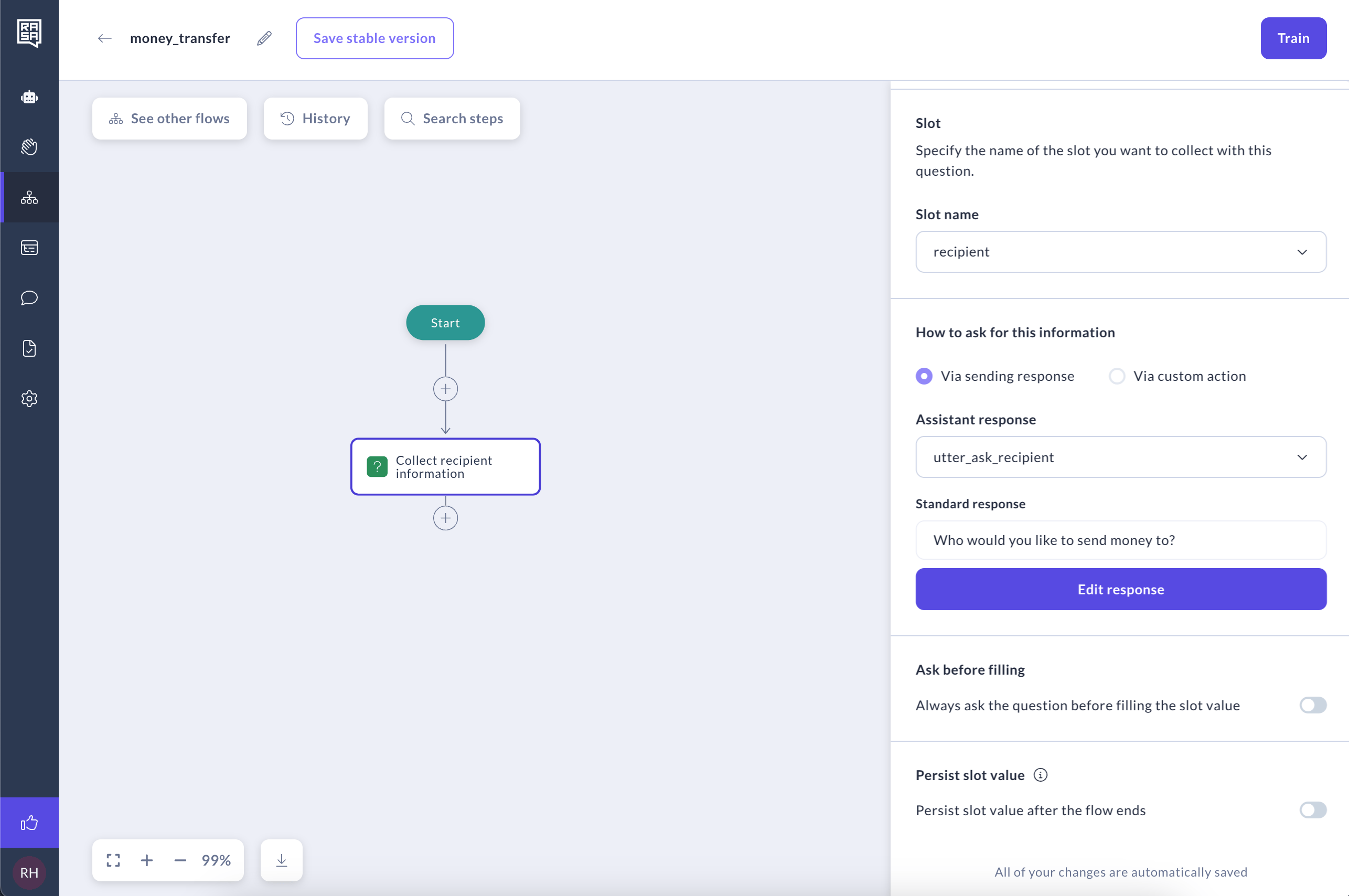 This step runs silently in the background without any dialogue. If you need the assistant to prompt the user for input, consider using a [Collect Step](/docs/studio/build/flow-building/collect) instead.
### Setting a Slot Value
For example, if the user mentions their birth year during a conversation, we can automatically set the `age_category` slot to `Minor` and clear the `permission_granted` slot, streamlining the interaction accordingly.
### Setting Multiple Slots
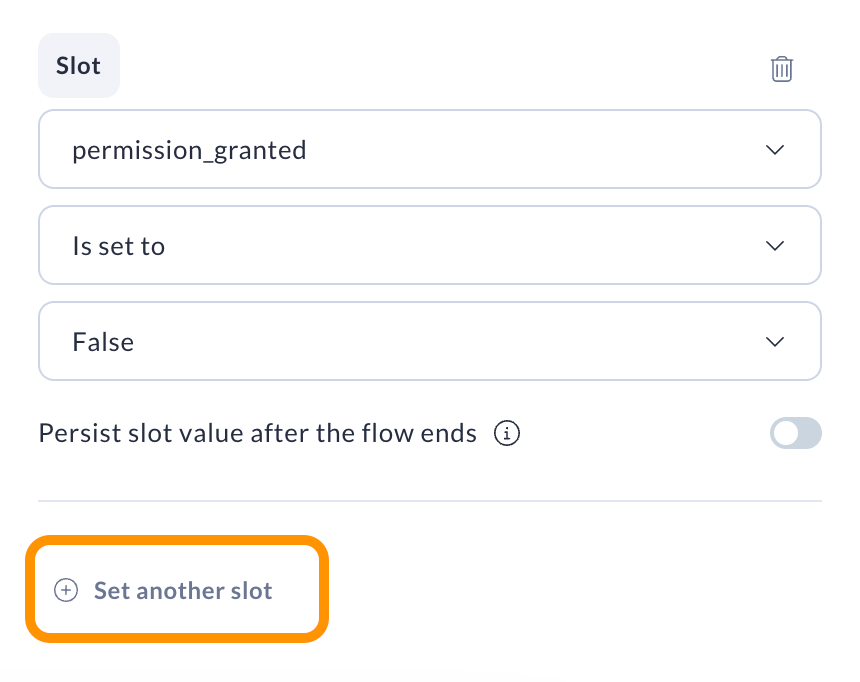
You can set multiple slots in one step. Simply click on "Set another slot" button to add more. You can see how many slots are set in one step by reading the number on the node.
This step runs silently in the background without any dialogue. If you need the assistant to prompt the user for input, consider using a [Collect Step](/docs/studio/build/flow-building/collect) instead.
### Setting a Slot Value
For example, if the user mentions their birth year during a conversation, we can automatically set the `age_category` slot to `Minor` and clear the `permission_granted` slot, streamlining the interaction accordingly.
### Setting Multiple Slots
You can set multiple slots in one step. Simply click on "Set another slot" button to add more. You can see how many slots are set in one step by reading the number on the node.
 ### Clearing a Slot
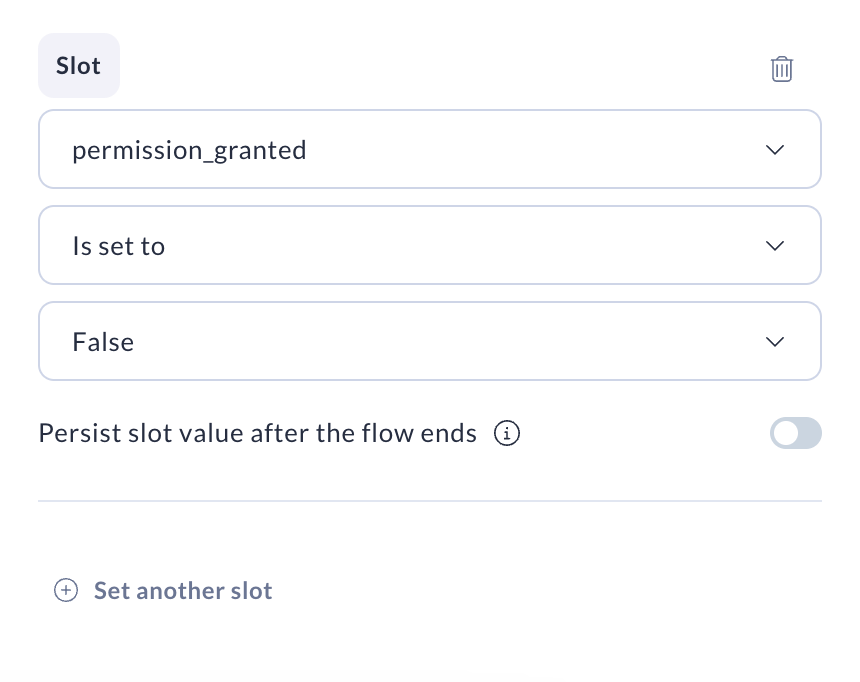
When you choose to clear a slot's value, its current value is reset, and the system will treat it as if it were `null`.
Use this option when a slot’s current value is no longer valid or needed.
For example, if a user attempts to transfer more money than available, you can inform them of the issue and then clear the amount slot, prompting them to enter a correct value.
### Clearing a Slot
When you choose to clear a slot's value, its current value is reset, and the system will treat it as if it were `null`.
Use this option when a slot’s current value is no longer valid or needed.
For example, if a user attempts to transfer more money than available, you can inform them of the issue and then clear the amount slot, prompting them to enter a correct value.
 ### Persisting a Slot value
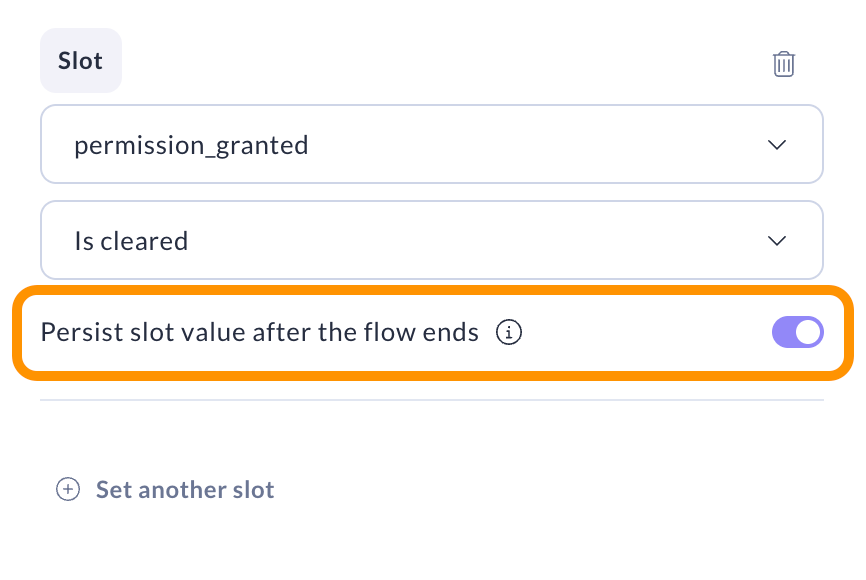
When you choose to persist a slot's value, that setting applies globally to all its occurrences in the flow.
Use this option when you want to persist slot’s value even after the flow ends.
### Persisting a Slot value
When you choose to persist a slot's value, that setting applies globally to all its occurrences in the flow.
Use this option when you want to persist slot’s value even after the flow ends.
 ## Related topics
- [Assistant Memory (Slots)](/docs/pro/build/assistant-memory.md)
- [Slots](/docs/studio/build/content-management/slots.md)
- [ReAct Sub Agent](/docs/reference/config/agents/react-sub-agents.md)
- [How to Set Up Your Assistant](/docs/studio/build/set-up-your-assistant.md)
- [Setting Up CI/CD](/docs/pro/deploy/ci-cd.md)
## Related topics
- [Assistant Memory (Slots)](/docs/pro/build/assistant-memory.md)
- [Slots](/docs/studio/build/content-management/slots.md)
- [ReAct Sub Agent](/docs/reference/config/agents/react-sub-agents.md)
- [How to Set Up Your Assistant](/docs/studio/build/set-up-your-assistant.md)
- [Setting Up CI/CD](/docs/pro/deploy/ci-cd.md)