> ## Documentation Index
> Fetch the complete documentation index at: https://rasa.com/docs/llms.txt
> Use this file to discover all available pages before exploring further.
# How to Create a Flow
> How to create flows with Rasa Studio
This guide will teach you to create a flow in Rasa Studio, the foundation of your assistant’s conversational logic.
By the end, you’ll know how to name, describe, and build a flow.
## Get Started
1. Go to the Flow builder page
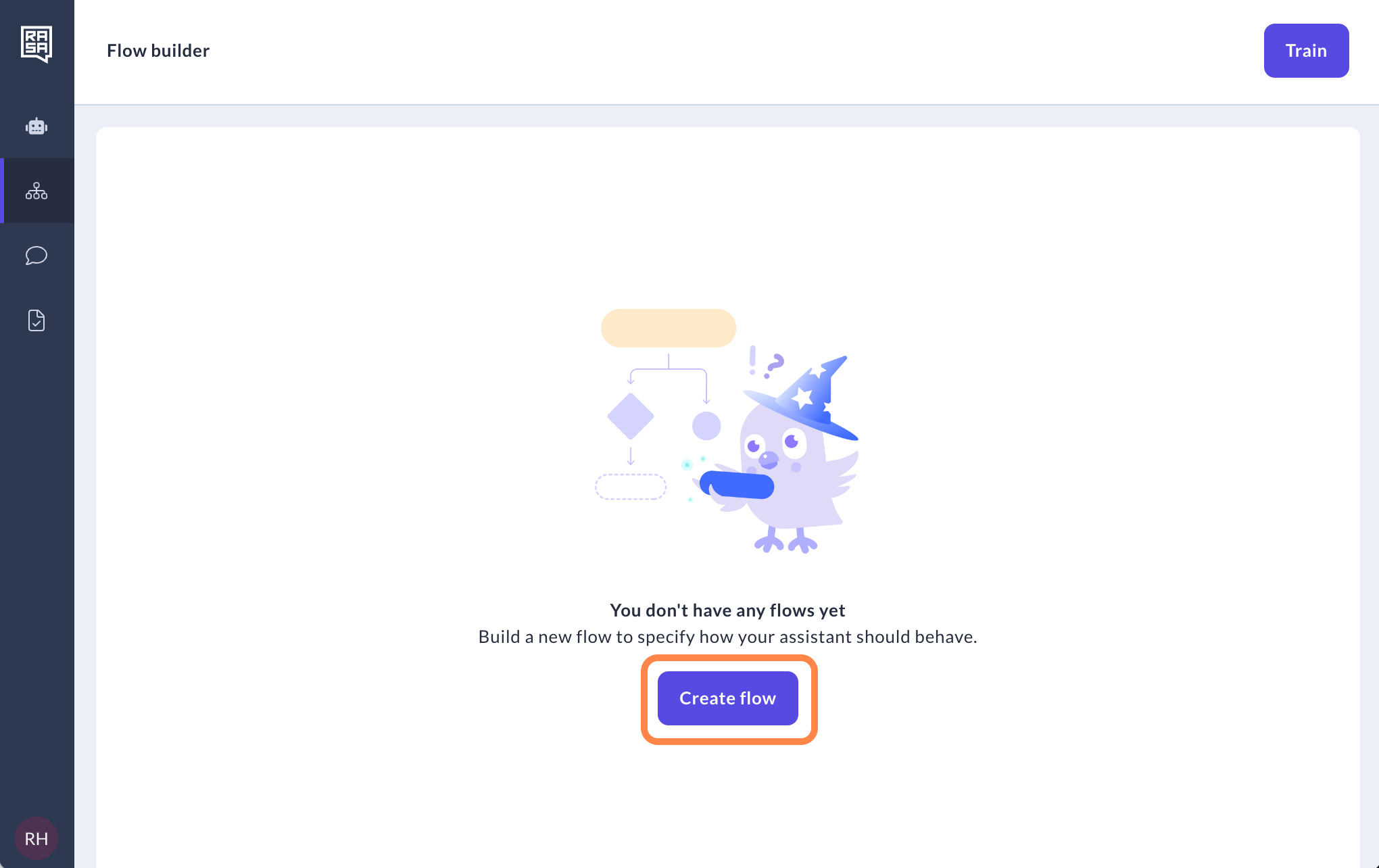
2. Hit the "Create flow" button.
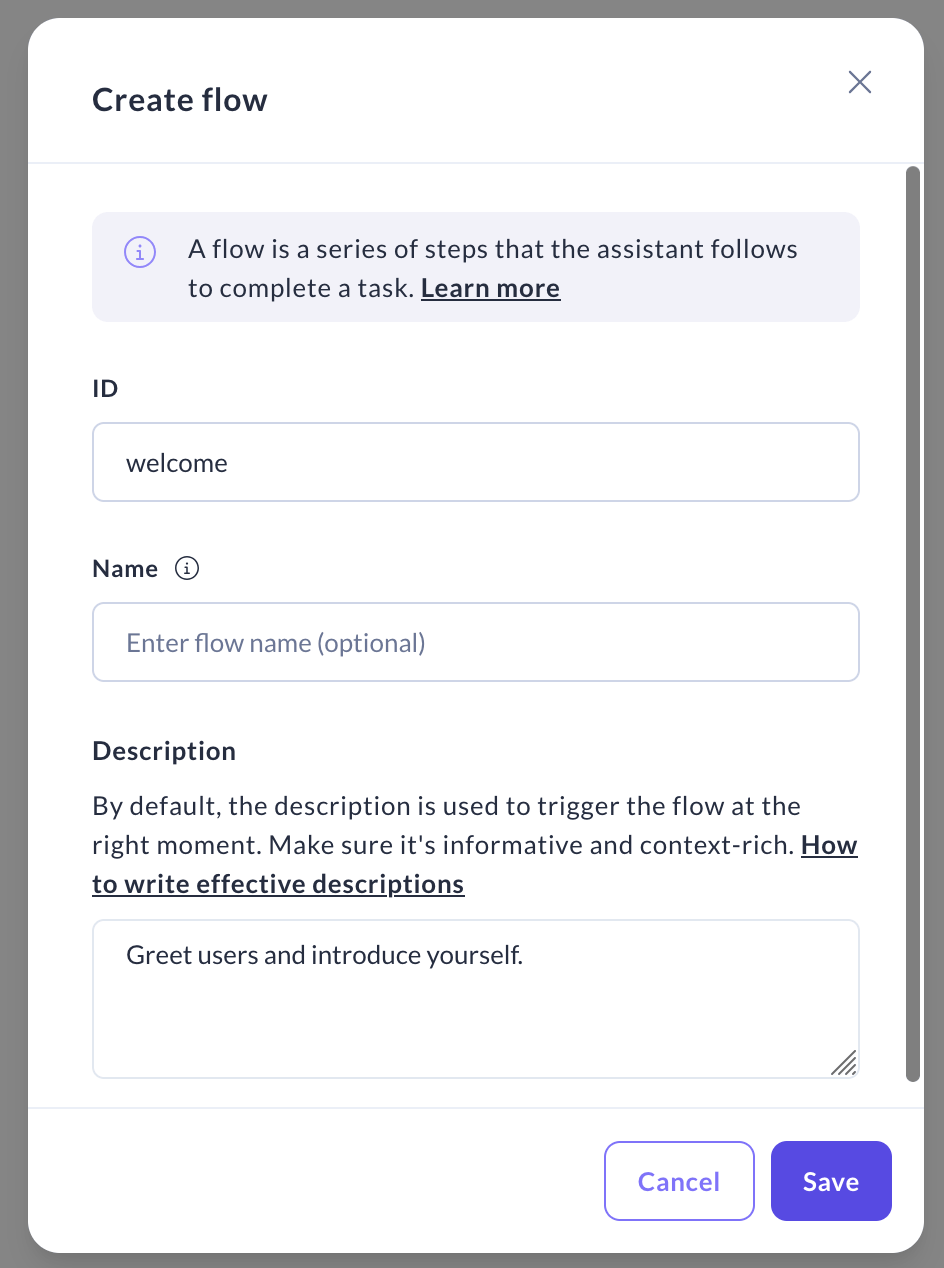
 3. For your flow's ID, avoid spaces, +, / or ! symbols. In the "Description" field, provide a detailed summary of the flow's purpose.
This description is what will be used by LLM to decide when your flow should be triggered. Once you're set, click "Save".
3. For your flow's ID, avoid spaces, +, / or ! symbols. In the "Description" field, provide a detailed summary of the flow's purpose.
This description is what will be used by LLM to decide when your flow should be triggered. Once you're set, click "Save".
 ## Related topics
- [How to Trigger Flows](/docs/studio/build/flow-building/trigger-flows.md)
- [How to Create a Custom Action](/docs/studio/build/actions/create-a-custom-action.md)
- [How to Link, Call and Connect Flows](/docs/studio/build/flow-building/linking-flows.md)
- [How to Make Decisions](/docs/studio/build/flow-building/logic.md)
- [How to Edit System Flows](/docs/studio/build/flow-building/system-flows.md)
## Related topics
- [How to Trigger Flows](/docs/studio/build/flow-building/trigger-flows.md)
- [How to Create a Custom Action](/docs/studio/build/actions/create-a-custom-action.md)
- [How to Link, Call and Connect Flows](/docs/studio/build/flow-building/linking-flows.md)
- [How to Make Decisions](/docs/studio/build/flow-building/logic.md)
- [How to Edit System Flows](/docs/studio/build/flow-building/system-flows.md)